Home › Albums › Album Design for Photographers
Album design for photographers and studios
For photographers and studios, InviteFlix speeds up 12×36 client albums: drop the selected photos into designed wedding, pre-wedding or birthday spreads, retouch faces and blur backgrounds at print resolution, and hand off layered PSDs or 300 DPI JPGs to the lab. Client photos stay on your computer.
Design your albumSee the designs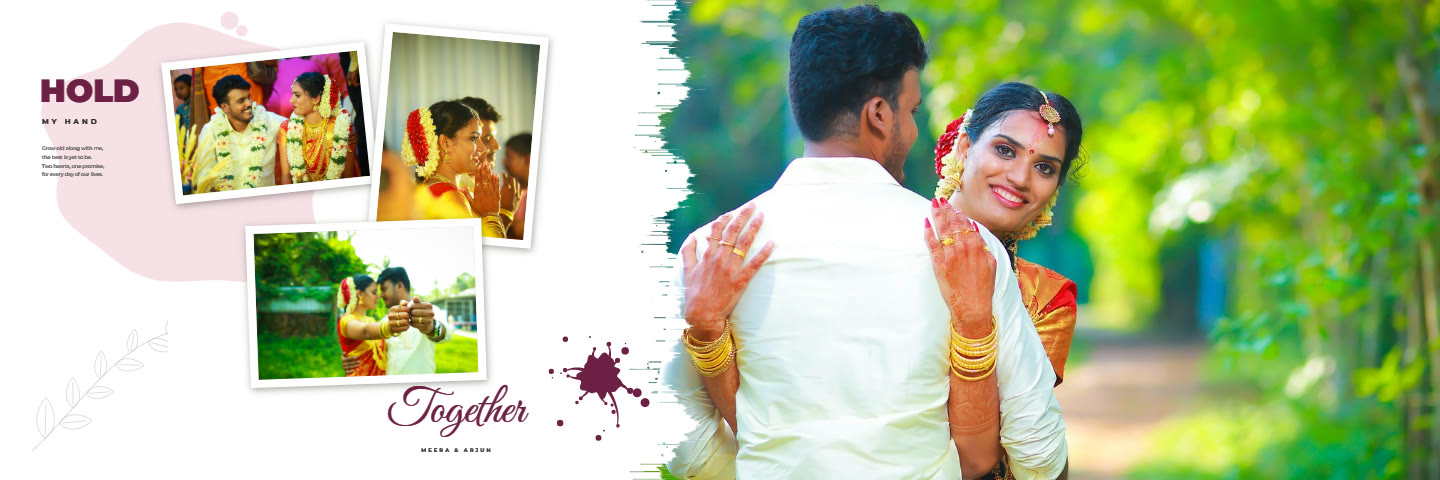
Studio workflow
Check the print resolution badge on each frame, use "apply to all photos" for a consistent look, and export the spreads straight into the client's folder.
Commercial use
Studios and planners may make albums and videos for their clients; see the terms for details.
Album designs for this
Wedding Album14 spreads · 12×36 in · layered PSD and 300 DPI JPG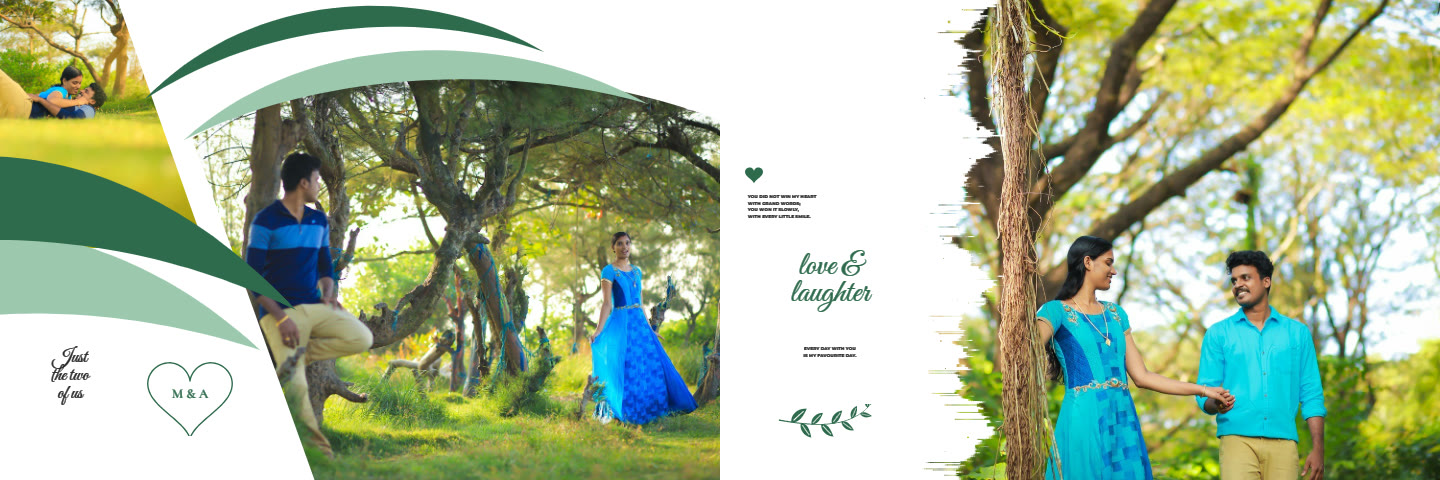 Pre-Wedding Album20 spreads · 12×36 in · layered PSD and 300 DPI JPG
 Birthday Album24 spreads · 12×36 in · layered PSD and 300 DPI JPG
How it works
- Open an album design and drop your photos into the frames.
- Move and zoom each photo; edit looks, skin and background if you like.
- Type the names and words, and pick a colour scheme.
- Download layered PSD files and 300 DPI JPGs for your print lab.
Questions
Are client photos uploaded?
No. Originals are kept in the browser (IndexedDB) on your computer.
Can I edit the files after export?
Yes. The PSDs keep text, design and each photo on separate layers.