Home › Albums › 12×36 Album PSD
12×36 wedding album PSD, made with your photos
InviteFlix creates layered 12×36 album PSD files from your own photos: you drop the photos into a designed spread in the browser, and each spread downloads as a 300 PPI PSD with separate groups for text, design over photos, the photos themselves (each clipped to its frame) and the background, plus guides at the fold and 0.5 inch margins.
Design your albumSee the designs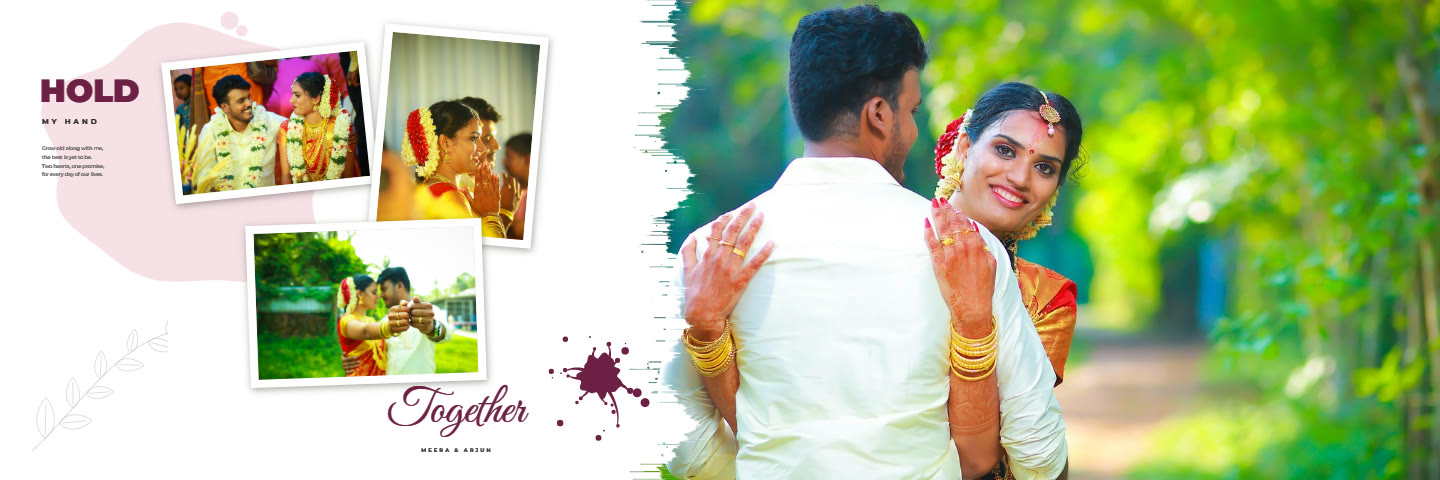
Open and edit in Photoshop
Text layers name their exact fonts (all open-licence), so with the fonts installed you can retype a name in Photoshop. Each photo is its own sub-group with a border, the photo clipped to its frame, a print border and a shadow, so you can swap or move a picture without breaking the design.
Ready-made, not blank
Unlike a blank PSD template you fill in yourself, the photos are already placed and cropped and the text already typed when you download, so the file is print-ready straight away.
Album designs for this
Wedding Album14 spreads · 12×36 in · layered PSD and 300 DPI JPG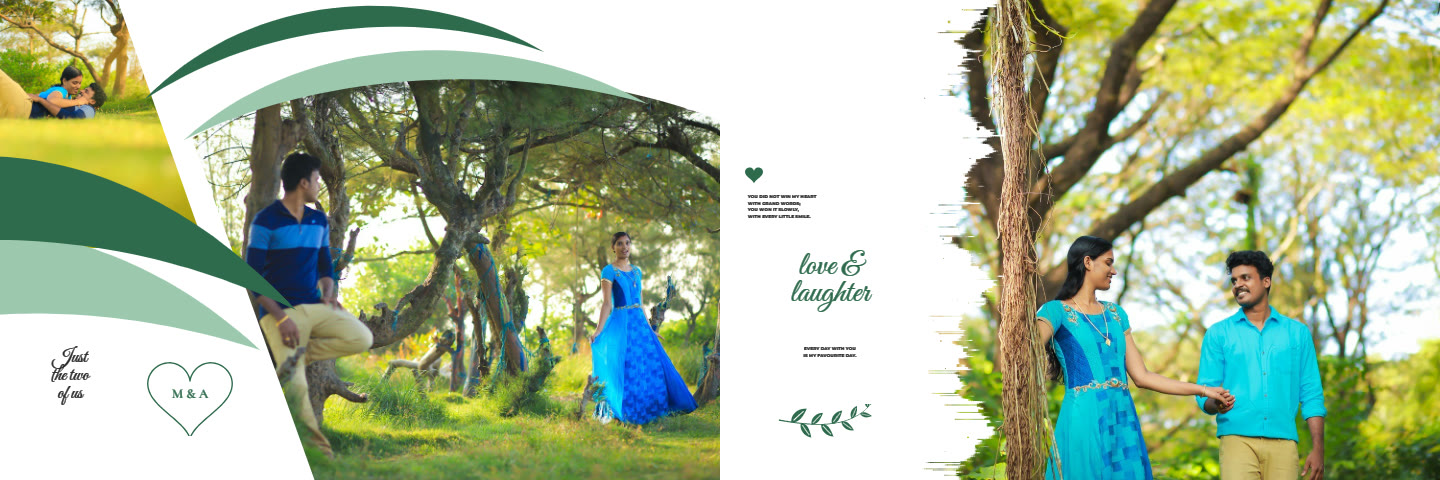 Pre-Wedding Album20 spreads · 12×36 in · layered PSD and 300 DPI JPG
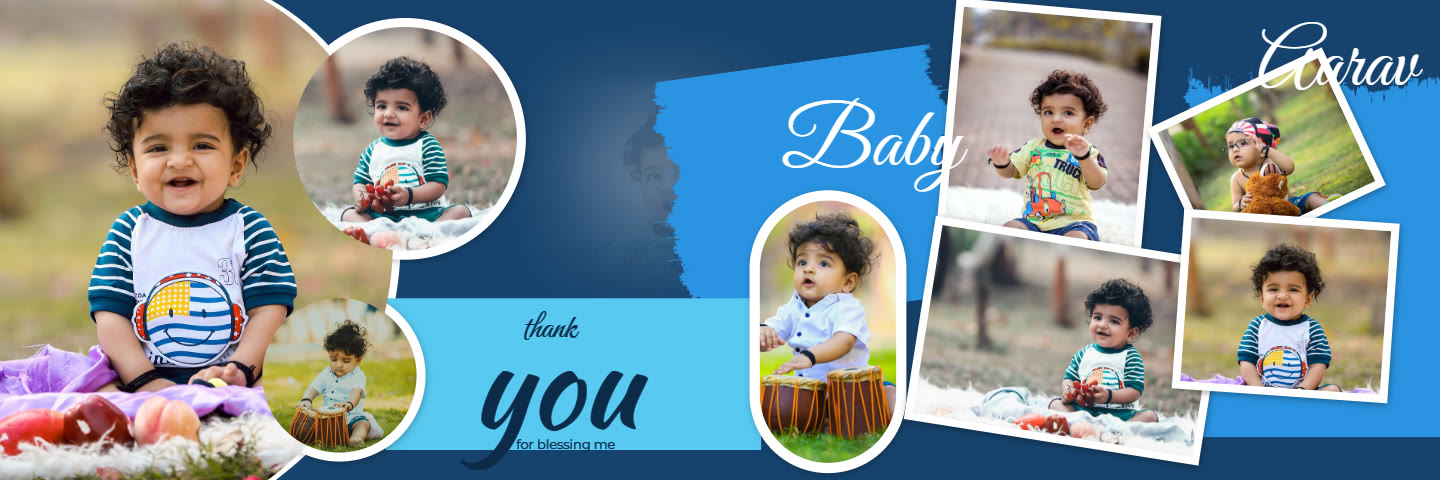 Birthday Album24 spreads · 12×36 in · layered PSD and 300 DPI JPG
How it works
- Open an album design and drop your photos into the frames.
- Move and zoom each photo; edit looks, skin and background if you like.
- Type the names and words, and pick a colour scheme.
- Download layered PSD files and 300 DPI JPGs for your print lab.
Questions
What resolution are the PSD files?
300 PPI at 12×36 inches: 10800 × 3600 pixels.
Are the fonts included?
The text layers use open-licence fonts and name them exactly; install the same fonts to edit the text in Photoshop.