Home › Albums
Photo album design online – 12×36 wedding, pre-wedding and birthday albums
InviteFlix's album maker lets you design a print-ready 12×36 inch photo album in your browser. Choose a wedding (14 spreads), pre-wedding (20 spreads) or birthday (24 spreads) design, drop in your photos, change the names, words and colours, and download every spread as a layered PSD and a 300 DPI JPG for your print lab. Your photos never leave your device.
Design an album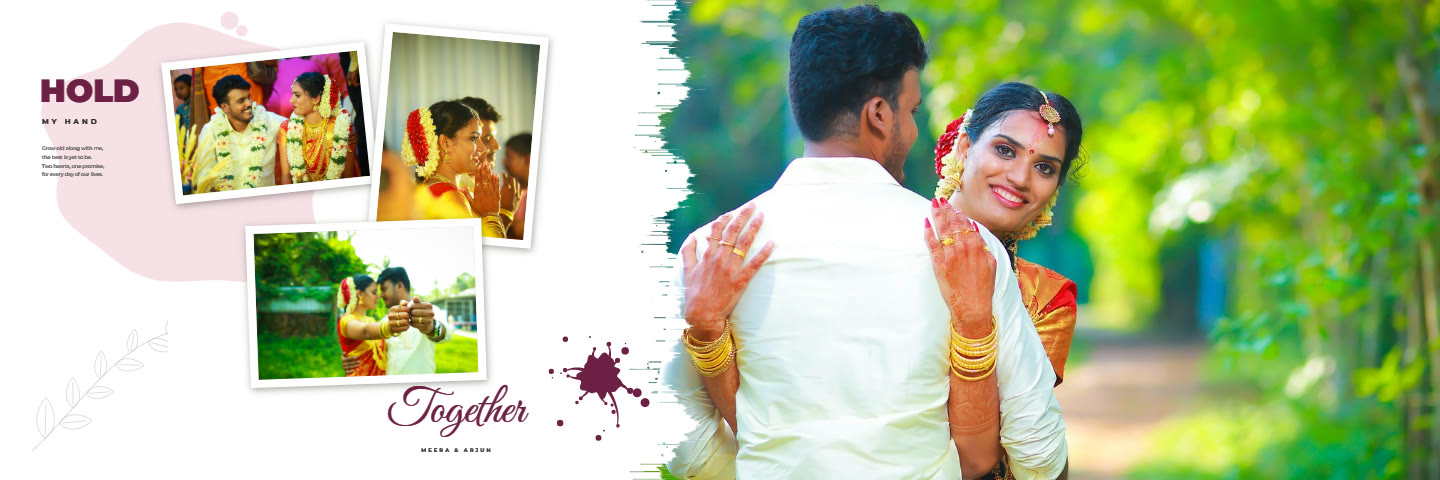 Wedding Album14 spreads · 12×36 in · layered PSD and 300 DPI JPG
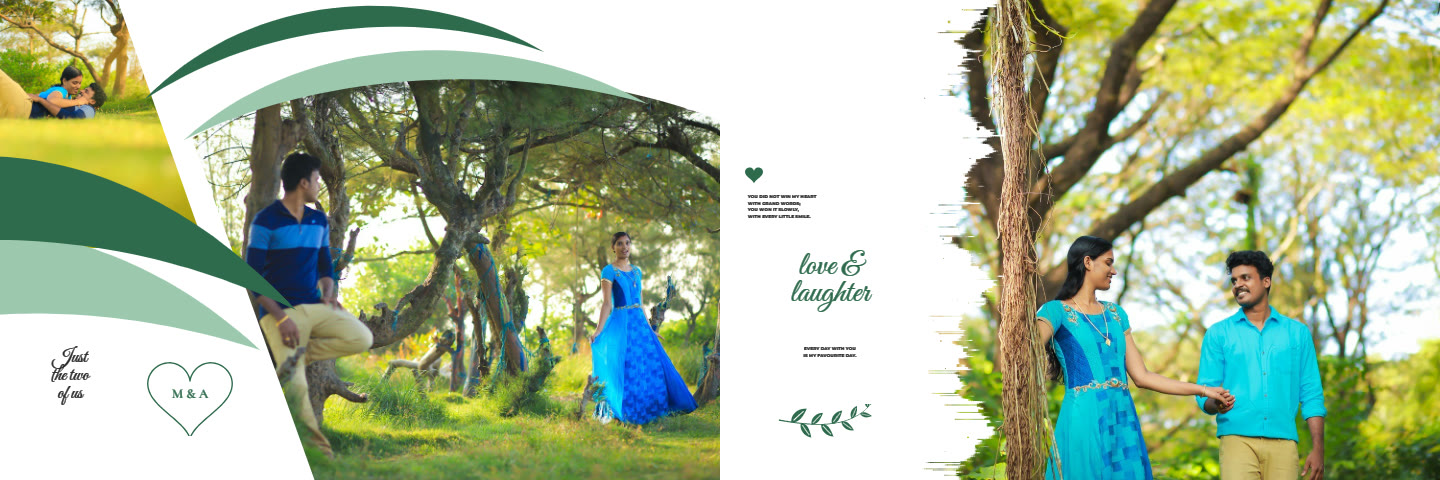 Pre-Wedding Album20 spreads · 12×36 in · layered PSD and 300 DPI JPG
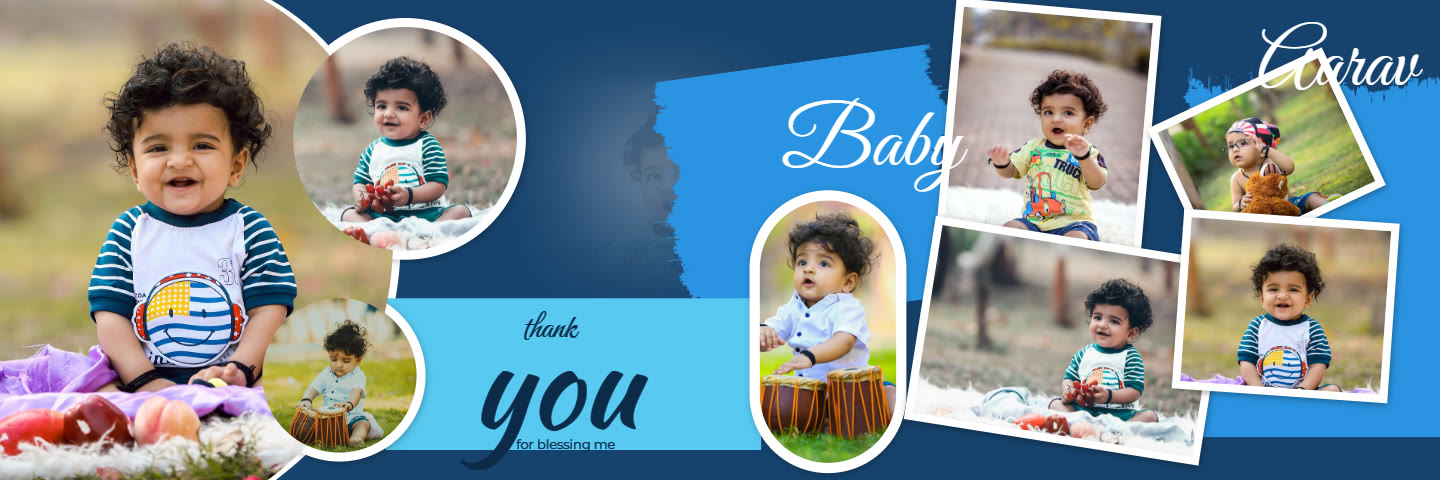 Birthday Album24 spreads · 12×36 in · layered PSD and 300 DPI JPG
Album design topics
Karizma Album Design
Design a karizma album online: 12×36 wedding, pre-wedding and birthday spreads. Drop in photos, edit text, download layered PSD and 300 DPI JPG for printing.
12×36 Album PSD
Get layered 12×36 wedding album PSD files with your own photos: separate text, design and photo groups at 300 DPI. Design online, open in Photoshop.
Photobook Design Online
Design a photobook online for any print lab: 12×36 spreads for weddings, pre-wedding shoots and birthdays, exported as 300 DPI JPG and layered PSD.
Album Design Software
Online album design software for 12×36 albums: drag photos into designed spreads, auto background removal, photo editing, layered PSD and 300 DPI export.
Album Design for Photographers
Wedding album design for photographers and studios: lay out 12×36 client albums fast, retouch faces, export layered PSD and 300 DPI JPG. Photos stay local.
Engagement Album Design
Design an engagement or couple album in 12×36: geometric pre-wedding spreads or modern wedding collages. Change the words, download PSD and print JPG.
Baby & First Birthday Album
Design a baby or first birthday album: 24 colourful 12×36 spreads with round photos, tilted prints and clip-art. Add the name, download PSD and print JPG.
Wedding Album Cover Design
Design a 12×36 wedding album cover spread: a monogram panel and a full-bleed couple photo with your names in script. Edit colours, download PSD and JPG.
What the album maker does
Drop in your photos
Drag photos into any frame, then move and zoom them. Each frame shows its print resolution so you know when a photo is too small.
Edit text and colours
Change names, dates and every line of text, and recolour the whole album with one colour scheme.
Edit photos
Looks, light and colour, background blur, smooth skin, blemish healing and background removal, at full print resolution.
Download for print
Layered PSD files with text, design and photo groups, guides at the fold and margins, plus 300 DPI print JPGs.
Questions
What size are the albums?
12×36 inches per spread (two 12×18 pages), 10800 × 3600 pixels at 300 DPI.
Can I open the files in Photoshop?
Yes. Each spread downloads as a layered PSD with separate groups for text, design and photos.
Are my photos uploaded?
No. The album is designed and exported on your own device.